In the world of Linux, every command is like a building block.
One command can do a task — but combine them, and you can automate magic.
That’s where shell scripting steps in — turning everyday commands into superpowers for automation, efficiency, and control.
Let’s dive in and see how a few lines of script can change the way you work forever. ⚡
🐚 What Is Shell Scripting?
A shell is the command-line interface between you and your Linux system — it interprets what you type.
A shell script is a simple text file containing a series of commands that the system executes line by line.
It’s like giving your computer a to-do list:
“Backup my files, check my network, clean logs, and send me a report.”
Instead of typing those commands every day — your script does it all for you.
💡 Why Learn Shell Scripting?
Because it makes your system work smarter.
Here’s what you unlock when you learn shell scripting:
⚙️ Automation — Schedule backups, monitor systems, or deploy apps automatically.
🚀 Speed — Do in seconds what might take minutes manually.
🔄 Consistency — Scripts run the same way every time — no human errors.
🧩 Integration — Connect multiple tools and commands seamlessly.
Shell scripting turns you from a user into an architect of automation.
🔹 Your First Script: Simplicity in Action
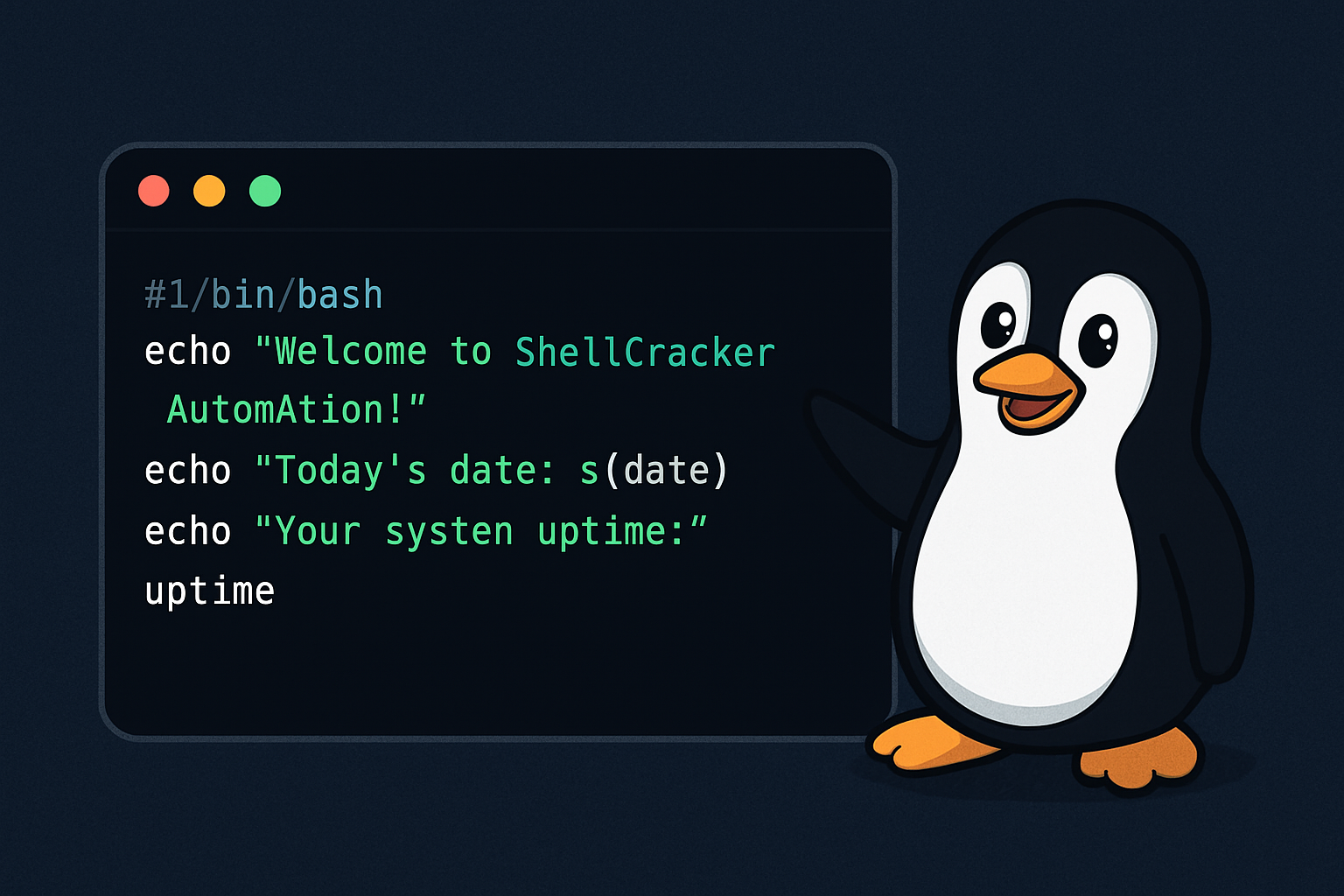
Let’s write a simple script — one that greets the user and shows system info.
#!/bin/bash
echo "Welcome to ShellCracker Automation!"
echo "Today's date: $(date)"
echo "Your system uptime:"
uptime
Save it as myscript.sh, then make it executable:
chmod +x myscript.sh
./myscript.sh
🎉 Boom! You just created your first automated tool.
🔹 Real-World Power Moves
Once you get comfortable, you can automate almost anything:
🧹 Clean log files and clear cache automatically
📦 Check disk usage and send alerts when space is low
🌐 Monitor network connectivity or ping servers periodically
🔁 Schedule cron jobs for daily maintenance
📊 Generate reports and email them
Every command you know can be combined into something more powerful — your personal automation arsenal.
🧩 The Secret Sauce: Variables, Loops & Conditions
Shell scripts become truly smart when you add logic.
Variables store values (like usernames, IPs, paths).
Loops repeat actions — perfect for checking multiple servers.
Conditions let your script decide what to do next.
Example:
#!/bin/bash
for host in 8.8.8.8 1.1.1.1
do
if ping -c 1 $host &> /dev/null
then
echo "$host is reachable"
else
echo "$host is down!"
fi
done
Just like that — your script becomes your watchdog. 🦾
🔒 Pro Tip: Add Logging & Notifications
Want next-level scripting?
Add logging to track script actions, or integrate with tools like sendmail, Slack, or Telegram for instant notifications.
Example:
“Your server disk usage exceeded 90%! Check immediately!”
That’s not a sysadmin — that’s your script looking out for you. 👀
🌍 Why Shell Scripting Still Matters
Even in a world of cloud, containers, and AI, shell scripting remains the heartbeat of system automation.
It’s lightweight, fast, and universal — every Linux system understands it.
From server admins to DevOps engineers, shell scripts are the silent heroes running behind the scenes — keeping systems alive and efficient.
💙 Final Thought
At ShellCracker, we believe real power isn’t in learning every command — it’s in connecting them creatively.
Shell scripting is that connection — a bridge between logic and automation.
So go ahead, open your terminal, write a few lines, and give life to your own script.
Because in the Linux world, you’re not just a user — you’re a creator of possibilities. 🧩⚙️
🧠 Shell Scripting: Turning Commands Into Superpowers
November 1, 2025